
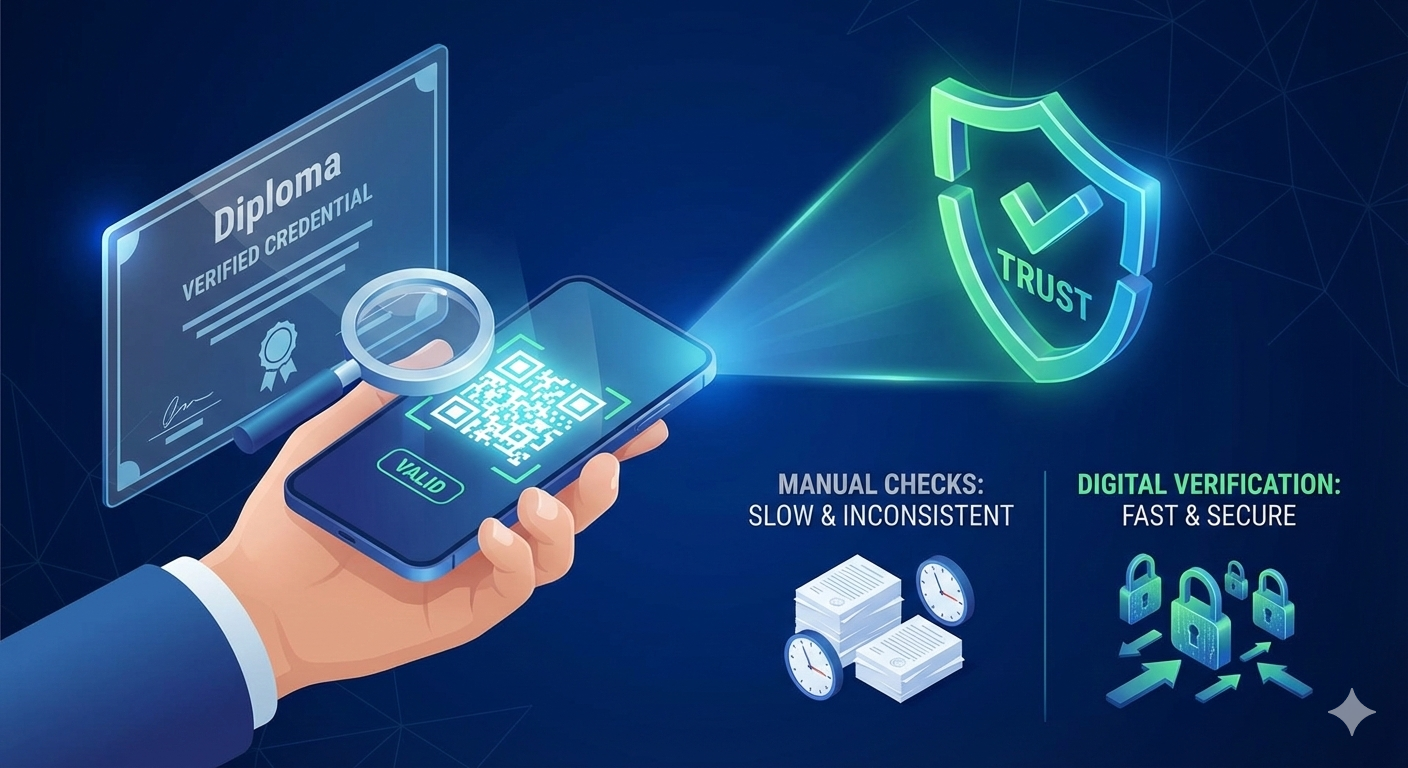
A QR code can act like a public verification shortcut for a credential. Instead of manually comparing stamps and signatures, the verifier scans the code and sees the issuer-confirmed result.
What the QR code actually does
The QR is not “security by itself”. It is a pointer to a verification experience that is controlled by the issuer. The real security is the issuer record and the live status check behind the page.
Think of it like this
The QR is the doorbell. The verification page is the receptionist. The issuer record is the secured office where the truth lives.
What a good verification page should show
The verification page is where trust happens. It should be simple, fast, and consistent—so any verifier understands the result instantly.
- Credential status (valid / expired / revoked) as the main signal
- Issuer name and visual identity (so verifiers recognize the source)
- Key fields to compare (name, program, dates) with the document
- Optional: a masked identifier or reference number for internal tracking
One-scan flow (end-to-end)
- Credential is issued with a unique identifier
- A QR is generated that encodes (or links to) that identifier
- Verifier scans and lands on an issuer-hosted verification page
- The page pulls live status (valid / expired / revoked) from the issuer record
- Verifier compares key fields (name, program, dates) with the document they received
Core requirements for a strong QR verification system
- A unique QR per credential (never shared across people)
- A verification page hosted by the issuer platform (single source of truth)
- Live status checks to detect revocations, expirations, and corrections
- Anti-tamper record so edited PDFs cannot “become real”
Security and privacy considerations
Verification must balance trust with privacy. The verification page should show only what is needed to confirm authenticity (and nothing more).
- Limit public fields (avoid exposing personal identifiers unnecessarily)
- Use HTTPS everywhere and protect the issuer admin area
- Prevent enumeration (do not allow guessing IDs)
- Keep an audit trail for issuance and status changes
When done well, this reduces manual workload and provides consistent results across departments and partners—while protecting sensitive data.
Threat model (what you are defending against)
When you publish verification publicly, you need to anticipate how attackers may try to abuse it. Design decisions should reflect these risks.
- QR copying: trying to reuse a valid QR on a different document
- Link spoofing: phishing domains that look like issuer pages
- Enumeration: guessing identifiers to pull other people’s data
- Caching screenshots: sharing an old “valid” view after revocation
Issuer-side best practices (quick checklist)
- Use unguessable identifiers (long random tokens) rather than sequential IDs
- Rate-limit verification endpoints to prevent abuse
- Display issuer branding + domain clearly so verifiers trust the source
- Keep the verification page minimal and fast on mobile
- Enofe revocations/corrections update the verification page immediately
What to do when a scan fails
Sometimes a verifier cannot scan a QR (damaged print, low light, camera restrictions). A robust system includes a manual fallback.
- Provide a short verification URL on the credential (human-readable)
- Allow searching by reference number (with rate limiting)
- Display a clear next step: contact issuer support if needed
FAQ (quick answers)
Can someone copy the QR from one credential to another?
If your system uses unique identifiers and the verification page shows matching key fields, copying a QR will fail because the data will not match the presented document.
Should the QR contain data or only a link?
Typically a link is safer and more flexible because it allows live status checks and reduces expoofe of sensitive information.
Leave a Reply
Your email address will not be published. Required fields are marked *