
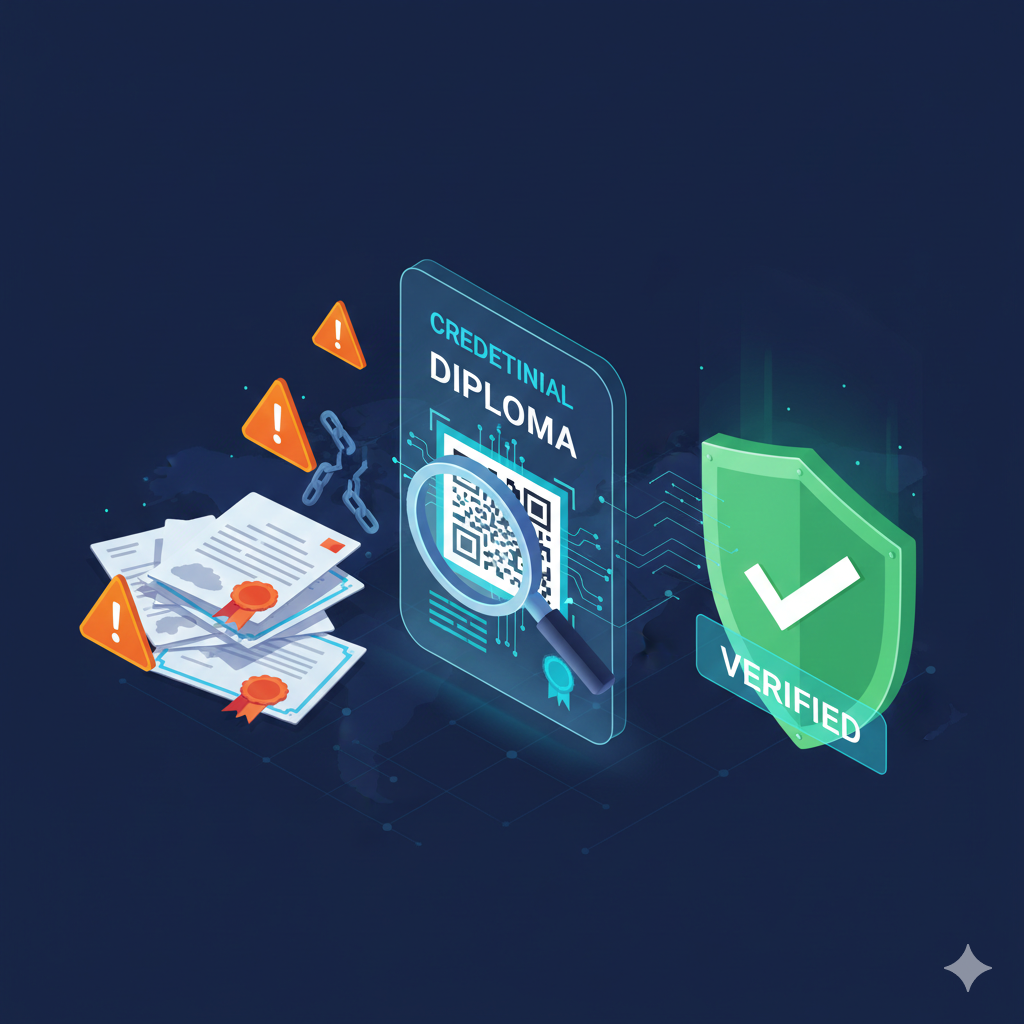
Credential fraud is no longer limited to low-quality fakes. Today, forged diplomas, altered transcripts, and copied certificates can look convincing—especially when shared as PDFs or images.
The risk has also expanded: credentials are used in hiring, licensing, immigration, scholarships, and supplier onboarding. A single wrong decision can create financial loss, reputational damage, compliance issues, and safety risk.
A real-world scenario (why this matters)
Imagine a hiring team receives a diploma PDF during recruitment. The format looks professional, the stamps look authentic, and references sound credible. If the organization skips verification, they might onboard someone into a regulated role. If the credential later proves false, it can become a legal and reputational problem—not just a “bad hire”.
Why credential fraud is increasing
Fraud grows when the cost of faking is low and the reward is high. Digital files are easy to copy and edit, and many organizations still rely on manual checks that are slow or inconsistent.
At the same time, recruitment and admissions have become more global. When a verifier cannot easily contact an issuer across countries, time zones, and languages, fraud has space to pass.
Common fraud patterns (what verifiers actually see)
- Edited PDFs: names, dates, grades, or program titles changed
- Reused templates: genuine-looking layouts copied from real schools
- “Look-alike” organizations: fake issuers with similar branding
- Credential stacking: combining partial real info with forged fields
- Expired or revoked credentials presented as valid
Why manual verification fails at scale
When verification relies on visual inspection or email confirmation, it becomes slow, inconsistent, and hard to audit. This leads to shortcuts: “good enough” checks, delayed follow-up, or no follow-up at all.
Red flags that should trigger verification
- Inconsistent dates (graduation date vs transcript semester timeline)
- Issuer contact info that does not match official domains
- Low-resolution seals or blurred signatures (common in copy/paste templates)
- Unusual formatting differences between pages (fonts, alignment, spacing)
- No single source of truth: documents live in inboxes and spreadsheets
- No status lifecycle: revocations or corrections do not propagate
- No audit trail: it is hard to prove who verified what and when
- Time cost: every request requires staff time and coordination
What modern verification looks like
A good system makes verification fast for the verifier, while keeping issuer control and security strong. The building blocks are straightforward.
- QR-based public checks that anyone can perform in seconds
- A tamper-resistant issuer record to confirm authenticity
- Status control (valid / expired / revoked) to keep trust over time
- Consistent fields (name, program, dates, issuer) for reliable comparison
Implementation checklist (practical)
- Use unique identifiers per credential (never shared across people)
- Publish a verification page that returns issuer-confirmed status
- Allow controlled updates: corrections, revocations, expirations
- Log verification events for traceability (who/when/what)
- Define which fields are public vs private to protect sensitive data
How employers and partners should verify (simple routine)
Verification works best when it is a routine, not an exception. A consistent process reduces bias and makes outcomes defendable.
- Scan the QR and confirm the page is hosted by the issuer platform
- Check the status (valid / expired / revoked) first
- Compare the key fields shown on the page with the document you received
- If anything mismatches, request clarification from the issuer (not the candidate)
- Record the verification result internally (date + outcome) for auditability
Common mistakes to avoid
- Treating a screenshot of a verification page as “proof”
- Accepting a QR that redirects to a generic file download
- Not checking the status (valid/expired/revoked) and only checking the name
- Keeping verification in personal inboxes instead of a trackable process
A lightweight verification policy (copy/paste starter)
If you want consistency across recruiters, HR, admissions, or procurement, publish a short policy. Keep it simple so people actually follow it.
- When to verify: before onboarding / before admission / before contract signing
- How to verify: scan QR or open the issuer verification link and confirm status + key fields
- What to store: verification date + outcome + reference (not the full document)
- What to do on mismatch: escalate to issuer contact or compliance
- Who owns the process: role/team responsible for final verification decision
KPIs that show improvement
To justify the effort, meaofe outcomes. Even basic tracking will show the impact quickly.
- Average verification turnaround time (target: minutes, not days)
- Manual verification requests per month (should decrease)
- Number of detected mismatches / fraud attempts (visibility improves)
- Audit completeness: % of hires/admissions with recorded verification outcome
FAQ (quick answers)
Is a QR code alone enough?
No. The QR is a shortcut. The proof is the issuer-controlled record and the live status shown on the verification page.
What if someone shares a screenshot of a “valid” result?
Always verify live. Screenshots cannot reflect later revocations or corrections.
Do we need to verify every credential?
At minimum, verify credentials tied to regulated roles, high-value decisions, scholarships, and supplier onboarding. As verification becomes fast and self-serve, full coverage becomes realistic.
What success looks like
When verification works well, employers and partners trust the result instantly, and organizations reduce manual workload. The credential becomes a durable trust asset, not a PDF that can be edited.
The goal is simple: make verification instant for the verifier, while keeping full control in the hands of the issuer.
Leave a Reply
Your email address will not be published. Required fields are marked *